Dental 3D Printers for Labs, Clinics, and Digital Dental Teams
Yidimu supplies professional resin 3D printing equipment for dental model production, laboratory workflows, digital case verification, and related resin-based applications. Equipment selection should begin with the required output, compatible material system, production volume, and post-processing procedure—not with screen resolution alone.
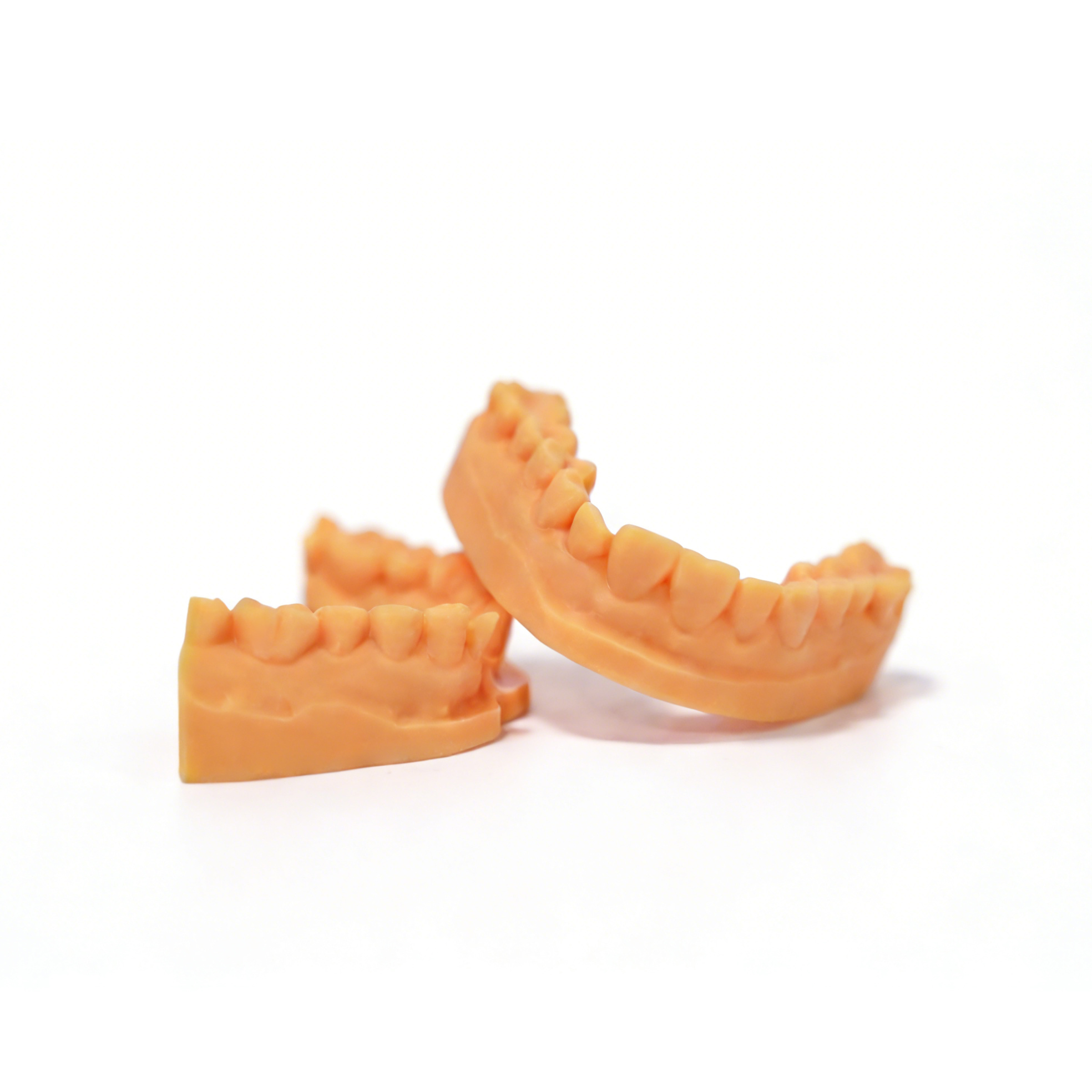
A Dental Printer Is One Part of a Controlled Production Workflow
A dental resin printer converts prepared three-dimensional files into physical parts through layer-by-layer photopolymerization. The printer must work as part of a defined system that includes file preparation, build orientation, support design, resin handling, cleaning, drying, post-curing, inspection, and result documentation.
The right equipment depends on the geometry being printed, the number of parts required per batch, the resin specified for the intended application, and the laboratory’s ability to maintain a repeatable process. Pixel count or a single advertised speed value cannot determine whether a printer is suitable for a specific dental workflow.
Who Uses Professional Dental Resin 3D Printers?
Yidimu equipment is intended for trained professional teams that manage digital files, resin printing, post-processing, and quality checks as a controlled workflow.
Dental Laboratories
Laboratories producing working models, orthodontic model sets, restoration verification models, removable dies, and other resin-based case components.
Dental Clinics
Clinics with trained personnel and a defined in-house digital production process for approved model or appliance workflows.
Digital Dental Centers
Teams coordinating scan data, CAD design, printing, post-processing, inspection, and delivery across multiple dental cases.
Procurement and Engineering Teams
Technical buyers evaluating equipment capacity, material systems, operating requirements, workflow integration, and ongoing support.
Separate Model Printing from Patient-Contact Applications
Dental models and patient-contact devices do not share the same regulatory, material, validation, or post-processing requirements.
Model-Based and Laboratory Workflows
These applications generally focus on producing physical representations for design review, fabrication support, communication, or laboratory processing. The exact resin and dimensional requirements still need to be confirmed.
- Full-arch and sectional dental models
- Crown and bridge working models
- Removable die models
- Orthodontic model sets
- Implant planning and analog models
- Restoration design verification models
- Case presentation and training models
- Dental laboratory fixtures and test parts
Patient-Contact or Regulated Workflows
Items such as surgical guides, temporary restorations, splints, denture components, or other oral-contact devices require application-specific documentation. A printer’s ability to cure a resin does not establish that the finished part is approved or suitable for a particular clinical use.
- Confirm the exact resin product and intended use
- Review the current TDS, SDS, and IFU
- Confirm the printer and curing equipment listed by the material supplier
- Follow validated cleaning, post-curing, and inspection procedures
- Confirm any required sterilization method and limitations
- Check applicable local regulatory requirements
- Obtain approval from a qualified dental professional
LCD and SLA Resin Printing for Dental Workflows
LCD Resin Printing
LCD printers use a masked light source to expose the selected geometry of an entire layer. When evaluating an LCD system, review pixel size, optical uniformity, build-platform behavior, resin profile development, screen maintenance, and measured results from representative dental samples.
SLA Resin Printing
SLA systems use a controlled light path to cure resin according to the sliced geometry. Selection should consider the optical system, scanning or exposure strategy, usable build area, material qualification, maintenance requirements, and the complete validated production process.
Build Size and Production Quantity Must Be Evaluated Together
A larger build area may hold more models, but usable capacity also depends on orientation, supports, spacing, resin flow, peel forces, part height, and the laboratory’s post-processing capacity.
Maximum Part Envelope
Check the largest full arch, model, fixture, or other part that must fit within the usable build area in the required orientation.
Parts per Build
Review realistic nesting with supports and spacing. Do not calculate capacity from platform dimensions alone.
Case Mix
A workflow containing full arches, small dies, guide-related parts, and test samples may require different orientations and resin changeovers.
Part Height
Print duration is strongly affected by the number of layers and lifting process, not only by how many parts are placed across the platform.
Post-Processing Capacity
Washing, drying, support removal, UV curing, inspection, and recordkeeping can become the limiting steps even when printer capacity is sufficient.
Peak Demand
Compare average daily demand with peak periods, reprints, maintenance time, calibration work, and material changeovers.
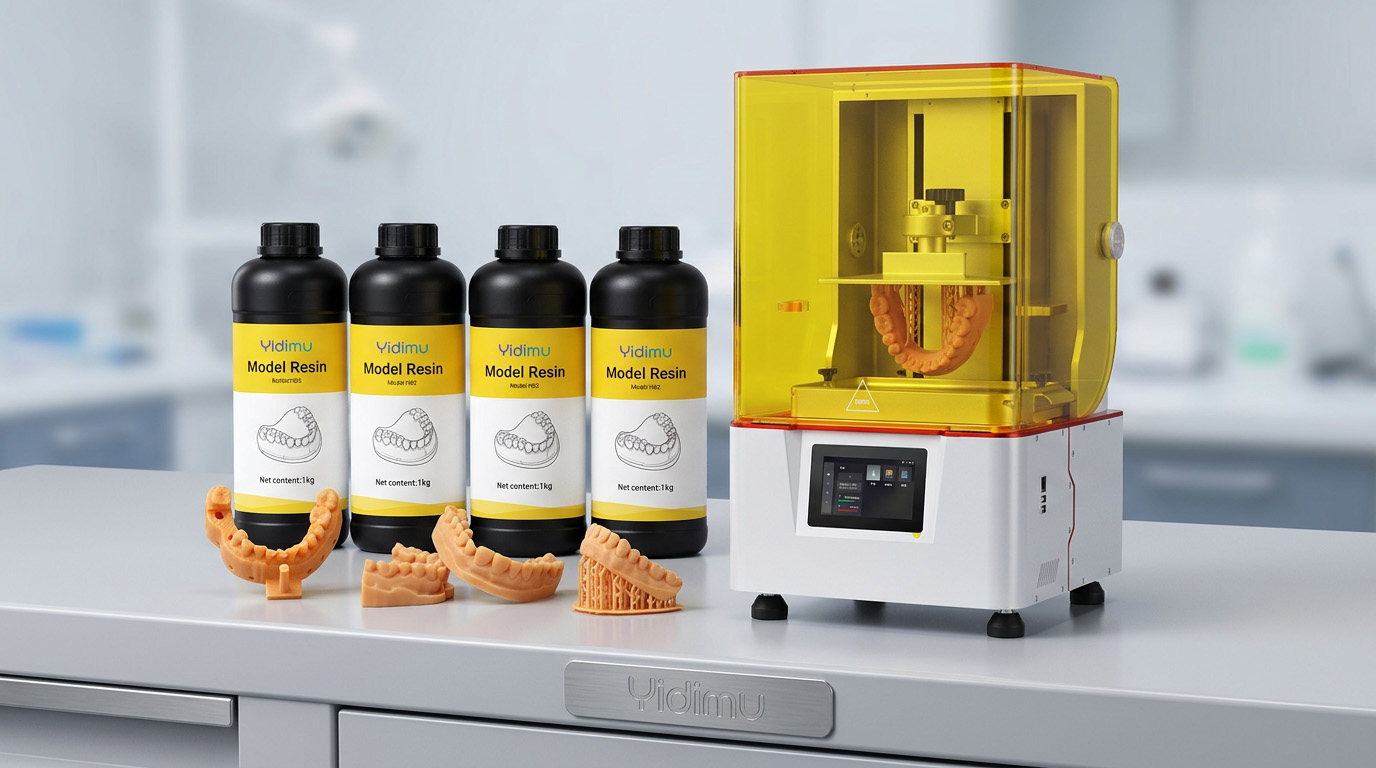
Choose the Material System Before Finalizing the Printer
Dental resin is not one universal material category. Model resin, castable material, temporary restoration resin, guide-related resin, flexible gingival material, and other formulations can have different wavelengths, exposure profiles, mechanical properties, cleaning procedures, curing requirements, storage conditions, and intended uses.
Wavelength compatibility is only an initial check. The exact material should be evaluated with the printer, print profile, orientation, cleaning method, post-curing equipment, inspection method, and intended final application.
A Practical Dental Resin Printing Workflow
Review the Digital File
Confirm geometry, scale, wall thickness, open surfaces, model integrity, and the intended use of the output.
Define Orientation
Select orientation and support positions according to critical surfaces, dimensional priorities, drainage, and removal access.
Prepare the Printer
Check the platform, resin tank, optical surface, resin condition, selected profile, and applicable calibration status.
Print the Build
Run the approved profile and monitor the process according to the laboratory’s operating procedure.
Drain and Clean
Allow excess resin to drain and clean the part using the liquid, equipment, sequence, and duration specified for the exact material.
Dry and Remove Supports
Confirm that cleaning liquid has evaporated or been removed before support removal and secondary curing.
UV Post-Cure
Use compatible curing equipment and follow the material-specific time, temperature, atmosphere, orientation, and light requirements.
Inspect and Release
Check surface condition, dimensions, fit-related features, traceability, and any application-specific acceptance criteria.
Yidimu Resin 3D Printer Options for Dental Workflows
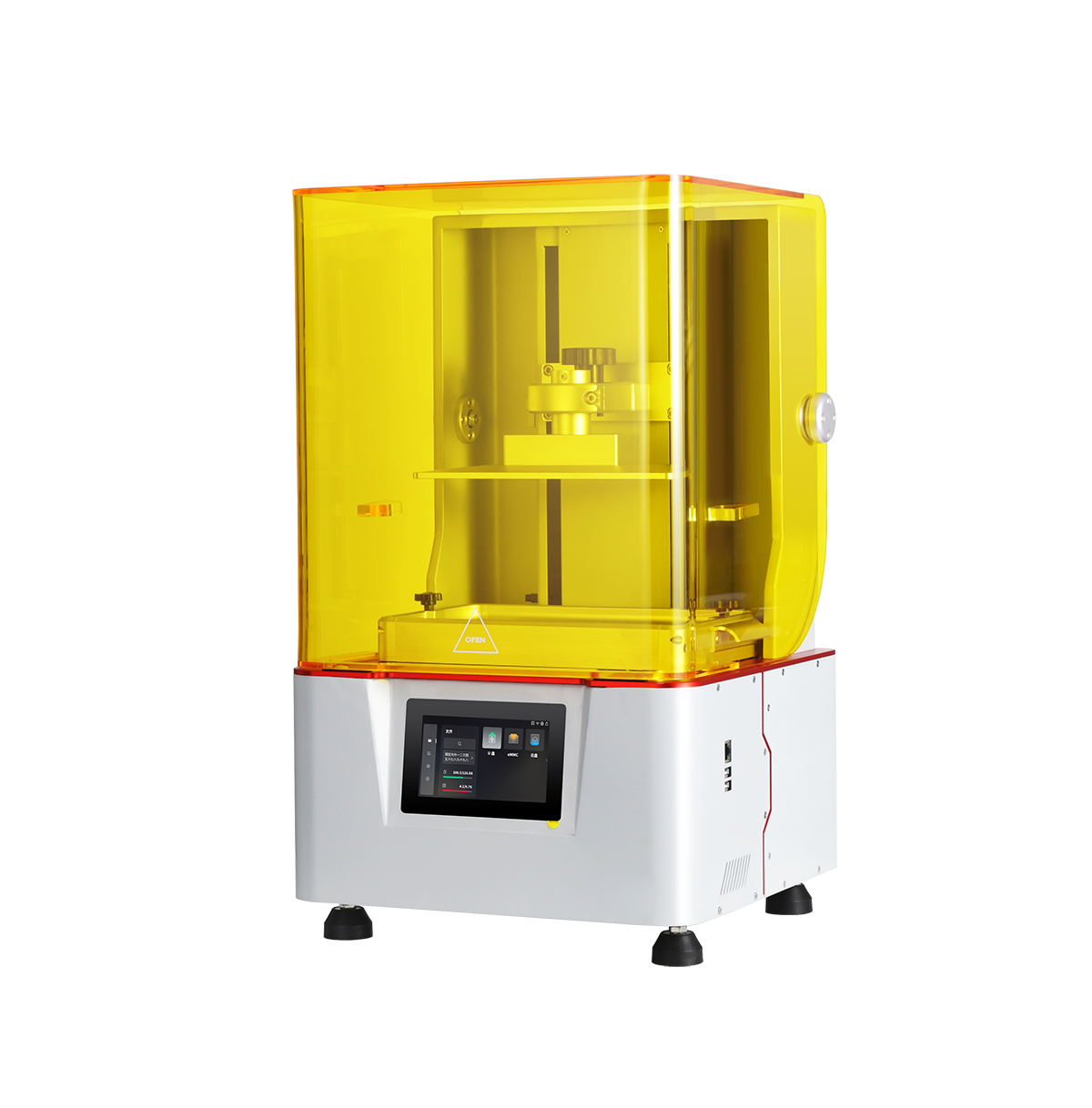
Y8 Dental Light-Curing 3D Printer
The Y8 is presented by Yidimu as a dental resin printing system for dental laboratories, denture processing facilities, clinics, and digital dental production teams. It can be evaluated for model production and other application-specific workflows when paired with suitable materials and validated post-processing.
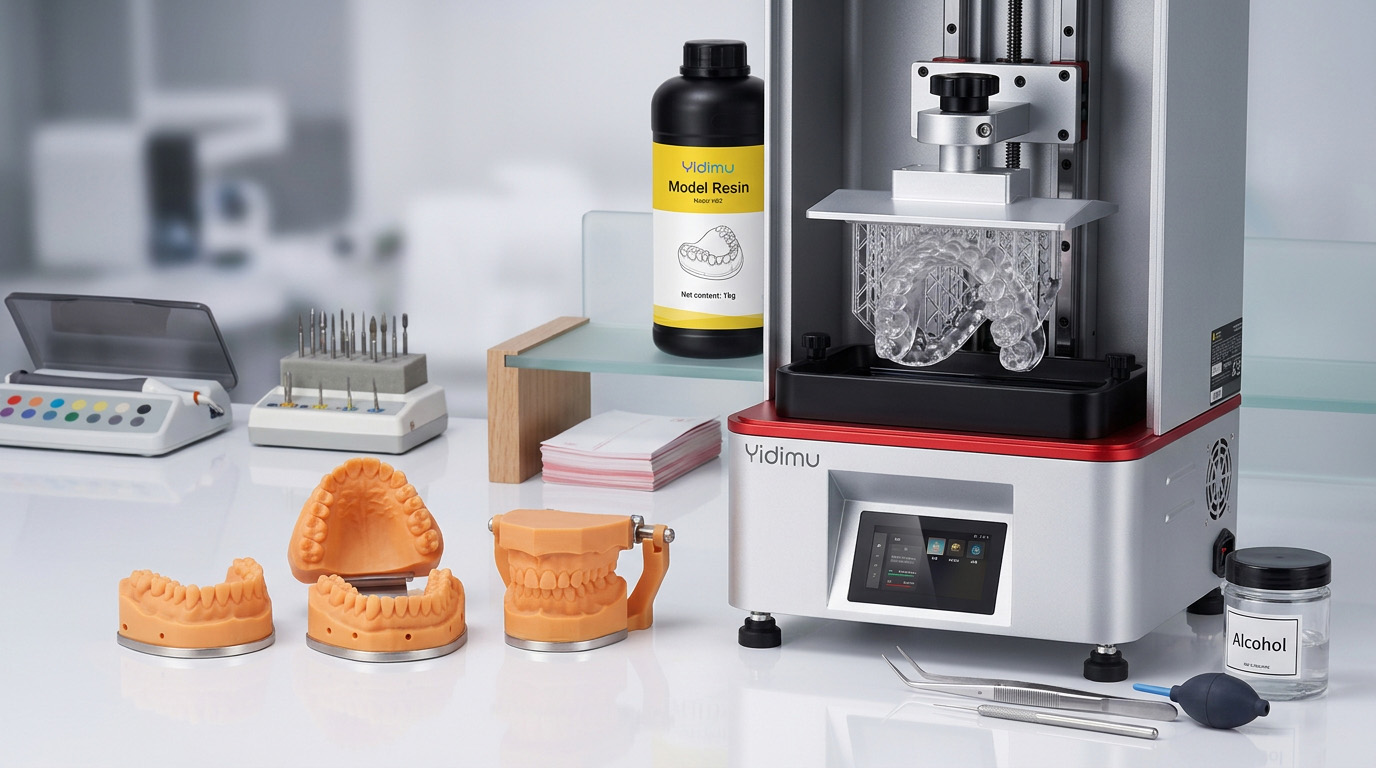
Eternal D1 LCD 3D Printer
Eternal D1 is a general professional LCD resin printer whose official product information includes dental model applications. Dental teams can evaluate it where its build area, material system, workflow controls, and sample results match the required model-production process.
Eternal D1 should not be treated as suitable for every dental or patient-contact application solely because dental models appear in its published application list. Validate the exact output and material process.
Y8 and Eternal D1 Comparison Position
| Evaluation Item | Y8 Dental Printer | Eternal D1 | Procurement Note |
|---|---|---|---|
| Published positioning | Dental-focused resin 3D printer | Professional LCD printer with dental model applications | Select according to the actual workflow rather than the product label alone. |
| Printing process | LCD light-curing | LCD light-curing | Confirm resin profile development and optical calibration requirements. |
| Published resolution class | 8K | 14K | Do not use pixel count as a standalone accuracy or fit claim. |
| Published build size | 228 × 128 × 235 mm | 223 × 126 × 290 mm | Test realistic model layouts with supports and required orientation. |
| Published wavelength | 405 nm | Confirm with current datasheet | Match the exact resin, printer profile, and curing equipment. |
| Published file transfer | USB and LAN | Confirm with current datasheet | Check software, file format, network policy, and operator workflow. |
| Dental workflow suitability | Evaluate for dental laboratory and clinic workflows | Evaluate mainly for compatible detailed model workflows | Run representative samples and inspect critical dimensions or fit features. |
| Patient-contact output | Application-specific verification required | Application-specific verification required | Review the exact resin’s TDS, SDS, IFU, intended use, and local requirements. |
How to Select a Dental 3D Printer
A structured evaluation reduces the risk of purchasing equipment that cannot support the required material, batch layout, post-processing procedure, or inspection standard.
- Define the output List the exact models, patterns, guides, temporary components, fixtures, or other parts you expect to produce. Separate model-only outputs from patient-contact outputs.
- Record dimensions and batch quantity Provide the maximum part dimensions, preferred orientation, average number of parts per build, daily demand, and peak production requirement.
- Confirm the material category Identify the exact resin product or required material properties. Check wavelength, intended use, documentation, cleaning, curing, and storage.
- Review the complete workflow Include file preparation, support design, printer setup, resin handling, washing, drying, support removal, UV curing, inspection, and waste handling.
- Print representative samples Test parts should represent the actual geometry, critical features, orientation, material, and batch layout—not only a generic demonstration model.
- Define acceptance criteria Decide how dimensions, fit-related features, surface condition, repeatability, and traceability will be checked before production begins.
- Compare total operating requirements Evaluate printer capacity together with resin consumption, consumable parts, cleaning equipment, curing equipment, labor, maintenance, workspace, and support.
Dental Use and Regulatory Notice
Yidimu is a supplier of 3D printing equipment, resin materials, and related post-processing equipment. It is not a hospital, dental clinic, diagnostic provider, or treatment provider. Information on this page is intended for general equipment and workflow evaluation and does not constitute dental or medical advice.
A resin being described as a dental material, being compatible with a particular wavelength, or being printable on a specific machine does not establish that every finished part is suitable for direct intraoral use. The final application must be supported by documentation that applies to the exact resin, printer, print profile, cleaning process, curing equipment, post-processing method, and intended use.
Qualified dental professionals, dental technicians, laboratory managers, and responsible regulatory personnel must confirm the suitability of the finished output under the applicable TDS, SDS, IFU, validated workflow, and local laws. No FDA, CE, ISO, MDR, biocompatibility, sterilization, or other compliance claim should be assumed unless current documentation for the exact product and use has been reviewed.
Dental 3D Printer FAQ
What can a dental resin 3D printer produce?
Depending on the printer, resin, digital file, and validated process, a dental resin printer may be used for working models, crown and bridge models, removable dies, orthodontic model sets, implant models, case presentation models, fixtures, and other laboratory parts. Patient-contact devices require separate application-specific documentation and validation.
Does a higher screen resolution guarantee better dental accuracy?
No. Screen resolution is one equipment characteristic. Finished dimensions and fit-related results can also be affected by pixel size, optical uniformity, calibration, resin behavior, orientation, supports, layer settings, cleaning, and UV post-curing. Representative sample testing is necessary.
Can any 405 nm dental resin be used in a 405 nm printer?
Not automatically. Matching wavelength is only a preliminary compatibility check. Confirm the material supplier’s supported equipment, exposure profile, light-intensity requirements, intended use, cleaning procedure, curing conditions, and other process limitations.
How many dental models can be printed in one build?
Capacity depends on the usable platform area, model dimensions, orientation, support layout, spacing, resin flow, part height, and process limits. Provide representative files so that a realistic nesting test can be prepared instead of estimating capacity from platform dimensions alone.
Does every resin-printed dental part require UV post-curing?
Photopolymer resin workflows commonly include a secondary UV curing stage, but the exact requirement, wavelength, time, temperature, atmosphere, and part orientation depend on the specific material and intended use. Follow the current TDS and IFU rather than applying one universal curing time.
Can a dental model resin be used directly in the mouth?
A model resin should not be treated as suitable for direct intraoral use unless the exact product has documented intended use, applicable testing, validated post-processing instructions, and the required regulatory status for that application. Model printing and direct oral-contact device production are different workflows.
What information should be sent to Yidimu before requesting a quotation?
Send the intended output, representative model files or dimensions, required resin category, average and peak quantities, critical surface or dimensional requirements, preferred workflow, available cleaning and curing equipment, electrical requirements, destination country, and any documentation that must be reviewed.
Should I choose the Y8 or Eternal D1?
The Y8 is publicly positioned as a dental-focused model, while Eternal D1 is a professional LCD printer whose listed applications include dental models. The decision should be based on representative file testing, required build layout, current material compatibility, post-processing, inspection criteria, and the latest official specifications.
Send Your Dental Printing Requirements
Share the part type, dimensions, material requirement, production quantity, critical details, and post-processing conditions. Yidimu can use this information to discuss an appropriate printer, resin, curing configuration, or sample evaluation process without assuming unsupported application claims.